2. Robot Arm Basics
Terms
Robot Arm
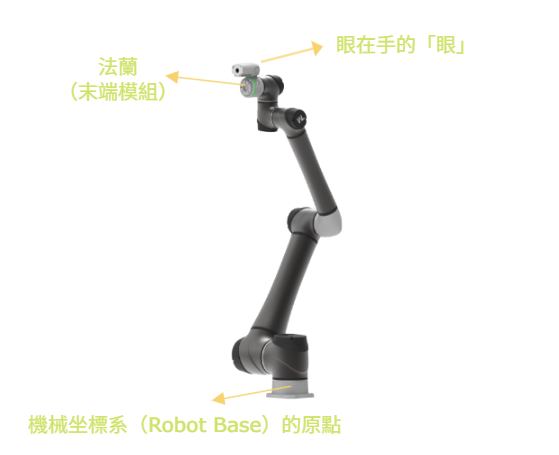
Tools
| Name | Image |
|---|---|
| Landmark (LM) | 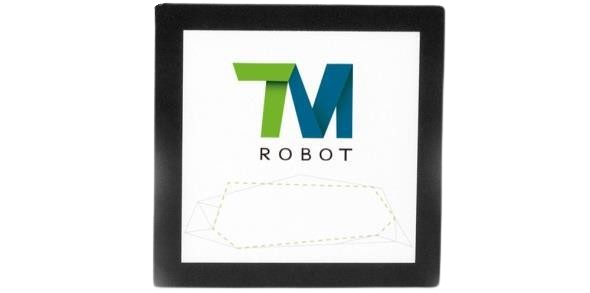 |
| Calibration board | 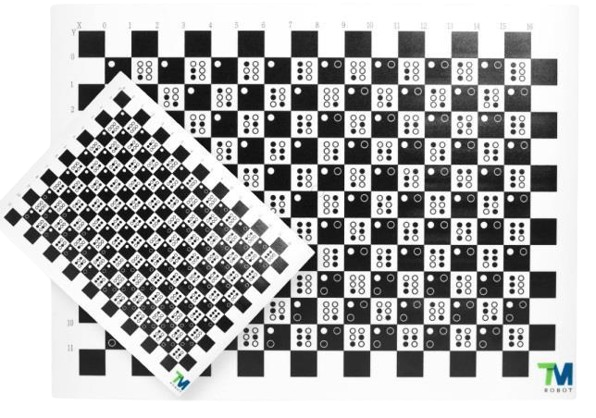 |
| Control box and controller | 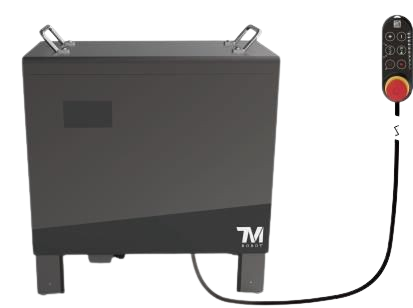 |
| Mahjong block / workpiece | 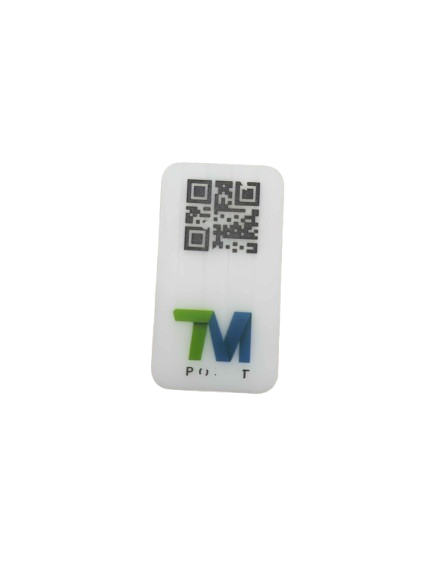 |
| Small board for mahjong blocks | 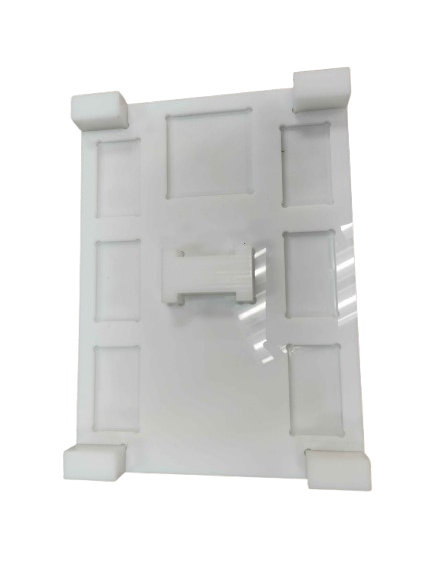 |
Button Functions
There are many buttons near the robot arm's end module. Some competitions may lock certain buttons, so here we only mention the two buttons used most often. For the other buttons, such as SET and VISION, go ahead and try pressing them yourself to see what they do and whether they are available.
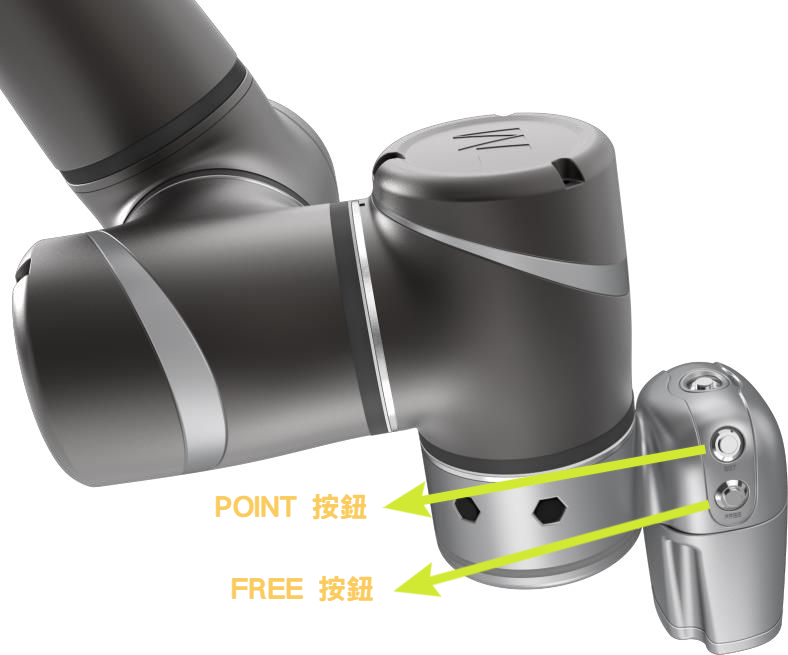
POINTbutton: after pressing it, you can set aPointin the project. Later chapters explain this in detail.FREEbutton: only while holdingFREEcan you directly pull the robot arm by hand.